Mobile Device Use Cases for Validated Android Rollouts
Start from the job in the field: scan, count, inspect, deliver or collect data. Vantora maps that workflow to the device family, app state, policy controls and sample acceptance evidence needed before rollout.
Diperbarui
Workflow pages
Validation path
Use-case pages turn tasks into acceptance criteria
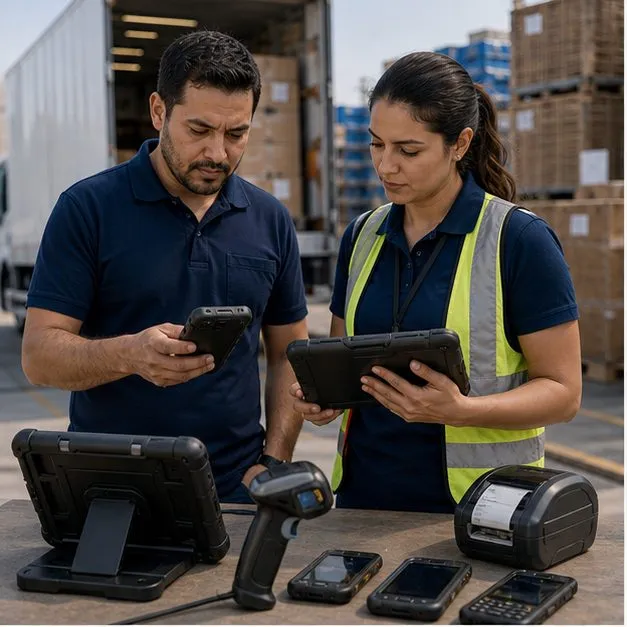
A workflow page should not stop at a device category. The useful question is what the accepted sample must prove: capture method, app behavior, offline state, battery, accessories, labels, policy controls and staging record. These pages route each workflow into that evidence path.
Workflow-to-device decision map
The same Android platform can be configured differently depending on the job. Use this matrix to pick the closest workflow before submitting the brief.
| Workflow | Typical device path | Validation focus |
|---|---|---|
| Warehouse barcode scanning | Handheld mobile computer with scan trigger | Scan engine behavior, WMS input, Wi-Fi roaming, battery and staging group. |
| Inventory and cycle counting | Barcode handheld, UHF RFID reader or mixed fleet | Count method, read distance, tag assumptions, offline sync and reconciliation flow. |
| Proof of delivery | Rugged phone, in-cab tablet or route handheld | POD app, camera, GPS, SIM/APN, vehicle power and route pilot evidence. |
| Government field data collection | Restricted-use phone or tablet | Approved functions, offline forms, audit record, labels and documented limitations. |
| Field inspection | Rugged tablet with camera, GNSS and accessories | Outdoor readability, forms, photos, signatures, offline mode and remote support path. |
What Vantora expects before a workflow page becomes a rollout
Each workflow still needs a project brief and a sample-first validation loop. The page can identify the device path, but production should wait until app readiness, controls, accessories, region assumptions and batch staging are recorded.
A reusable matrix covering capture method, app state, policy controls, accessories, offline behavior and handoff record.
A redacted brief format for partners or app teams that need feasibility review without exposing end-customer details.
Pertanyaan Umum
Should we start with a use case or a device page?
Start with a use case when the workflow is already known. Vantora can then map the task to a device family, app state, controls and acceptance checks.
Can one rollout include several workflows?
Yes. A single program may include scanning, counting, proof capture and inspection, each with its own staging group and acceptance evidence.
Do use-case pages replace a project brief?
No. They help structure the brief. The final device path still depends on model availability, app behavior, target market, controls and sample validation.
What is the minimum order quantity for a workflow rollout?
Programs quote from around 500 units upward regardless of device family. A typical path is 1-3 paid evaluation samples, a pilot tranche inside the program, then production quantities confirmed per model in the feasibility response. Below roughly 500 units, a stock device with an MDM subscription usually serves the workflow better.
Who is responsible if something goes wrong after rollout?
The responsibility matrix agreed before batch staging records who owns hardware warranty, app behavior, management policy and support escalation. Vantora owns the validated build and the batch record; app and management-stack issues route to their named owners.
Ceritakan alur kerja dan aturan Anda.
Kami mengubah persyaratan menjadi perangkat yang siap diterapkan.