App, MDM and Kiosk Integration for Android Device Rollouts
Map your app, permissions, accounts, enrollment, kiosk state and management policy into a sample-tested Android device build before batch staging.
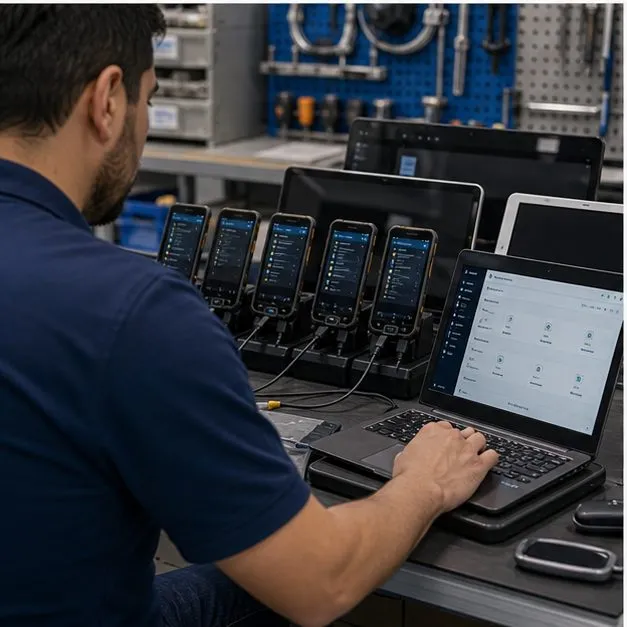
Integration means the app and policy behave together
A device is not app-ready just because an APK is installed. The app must launch, authenticate, request permissions, handle offline states, update safely and coexist with the management policy. Vantora maps the app and MDM requirements into one device behavior plan and validates the selected sample before production.
App and policy map
| Area | Decision to document | Validation focus |
|---|---|---|
| App preload | APK source, version, signature and update path | Install state, launch, update and rollback behavior |
| Permissions | Camera, location, notifications, storage and background access | Runtime prompts, default grants and user-visible settings |
| Accounts | Login method, tenant, token and recovery flow | First-run experience and support path |
| Kiosk or launcher | Single-app, multi-app or managed home behavior | Escape paths, allowed exceptions and support contact |
| MDM/EMM enrollment | QR, zero-touch, device owner or agent path | Enrollment completion, policy refresh and remote commands |
| Restrictions | Allowlist, settings, browser, store, reset and USB position | Pass/fail policy behavior on selected hardware |
Build: choose the mechanism with the least risk
Some requirements are cleanly handled by Android Enterprise or an EMM. Others need OEM configuration, a custom launcher or firmware support. Vantora chooses the lightest mechanism that can meet the requirement and records dependencies instead of assuming a single MDM can express every desired behavior. Which mechanism owns which behavior is compared in custom launcher vs kiosk mode vs MDM, and the app-side prerequisites are listed in the app-ready device checklist.
Validate: policy behavior on a real sample
The sample acceptance matrix should include app launch, login, permissions, offline behavior, sync, enrollment, kiosk state, allowlist, remote lock or wipe where applicable, reset behavior, policy refresh and support recovery. The result is a tested policy-controlled build, not a slideware configuration.
Records app package, version, permissions, account flow, API dependencies and offline behavior.
Records enrollment, kiosk, restrictions, OTA, reset behavior and remote management commands.
Stage: enrollment and policy records
Batch staging should record which app package, policy version, enrollment method, tenant, serial range and packaging status were applied. This makes support and reordering easier because the program can identify exactly which build each batch received.
FAQ
Can devices ship already enrolled in our MDM?
Yes, when the selected enrollment path and management stack support it. The enrollment method and policy state are validated on the sample before batch staging.
Do you support single-app and multi-app kiosk?
Kiosk and dedicated-device modes can be scoped through Android Enterprise, EMM policy, custom launcher or OEM path, subject to selected-device validation.
Can private apps be preloaded?
Private apps can be preloaded or delivered through a management path. Signature, permissions, update route and account flow should be documented in the App and Permission Map.
Which MDM platforms do you support?
Vantora maps requirements to the chosen MDM or EMM rather than assuming one platform. Share the stack in the brief so enrollment and policy behavior can be validated.
What if a requested restriction is not supported by the MDM?
The dependency is recorded and an alternate path is reviewed, such as OEM configuration, launcher work or firmware support, if the model and scope allow it.
Tell us your workflow and rules.
We turn requirements into deployment-ready devices.