Android FOTA Deployments: Prove an Update on a Pilot Before Fleet Release
Separate Android Enterprise systemUpdate scheduling, OEM FOTA portals, and A/B partition behavior. Record source-to-target build transitions and peripheral checks on a pilot unit before releasing an update to the fleet.
Updated
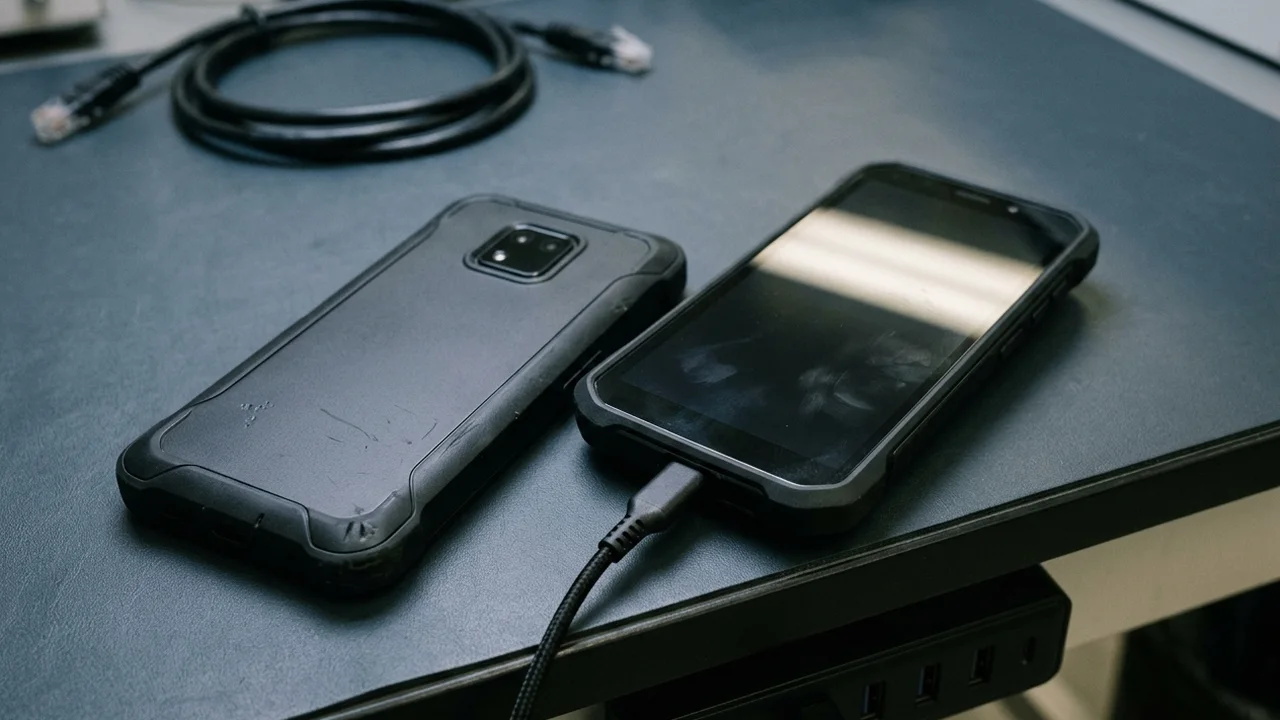
Separate the three update layers before planning a fleet rollout
Pushing an untested system image causes fleet-wide app downtime and costly field rework when a barcode scanner service, custom launcher permission, or enterprise Wi-Fi certificate fails after reboot. Android FOTA deployments require proving the exact source-to-target firmware transition on a representative pilot sample before scheduling a device fleet over the air release. Enterprise teams routinely use one phrase—over-the-air update—to describe three different technical mechanisms. Scheduling a maintenance window in an EMM policy, assigning a vendor firmware build in an OEM FOTA portal, and flashing a signed AOSP payload across A/B partitions do not control the same layer. Before writing a pilot test plan under your Android firmware and software customization scope, identify which layer owns package hosting, version targeting, and installation timing. Microsoft's Intune FOTA deployment guide explicitly warns administrators not to manage updates through an OEM FOTA portal and through Intune system update policies at the same time, because overlapping controls cause deployment errors and unexpected device states. When your fleet mixes licensed GMS hardware and restricted non-GMS builds, review GMS vs AOSP for enterprise devices first so your pilot plan matches the actual services layer on the unit.
| Update control layer | What it controls | What it does not control | Primary pilot verification item |
|---|---|---|---|
| Android Enterprise systemUpdate policy (EMM / AMAPI) | When a GMS-managed device installs pending system updates: AUTOMATIC, WINDOWED (daily startMinutes and endMinutes), POSTPONE (up to 30 days), or annual freezePeriods. | Does not build firmware, host OS binaries, or select a specific intermediate OEM patch version when multiple updates are queued. | Confirm policy receipt in enterprises.devices SoftwareInfo and verify whether the maintenance window completes download and reboot before shift start. |
| Vendor OEM FOTA connector (e.g., Zebra LifeGuard OTA, Samsung Knox E-FOTA) | Target firmware version selection, network rule (Wi-Fi only or Wi-Fi and cellular), and minimum battery threshold for supported OEM models enrolled in the vendor FOTA service. | Does not replace device enrollment in the OEM FOTA portal, and conflicts if standard EMM systemUpdate policies target the same device group simultaneously. | Confirm device serial registration in the OEM portal, exact target build availability for the hardware SKU, and status reporting back to the console. |
| Custom AOSP / ODM OTA package (update_engine or recovery) | Full or incremental block-level payload signed with the platform release keys and applied to A/B, Virtual A/B, or recovery partitions. | Does not provide Google Play services policy hooks unless paired with a custom management agent or OEM updater client. | Confirm exact source build fingerprint for incremental deltas, platform signing key match, /data free-space margin for Virtual A/B snapshots, and slot fallback. |
Match partition mechanics, storage headroom, and depot power to your pilot window
How a device applies an over-the-air payload determines when the unit is unavailable to a frontline worker and how it recovers from an interrupted write. According to the Android Open Source Project OTA documentation, legacy non-A/B devices download the package to cache or data storage and reboot into a recovery partition to write system blocks, leaving the screen unusable during installation. By contrast, A/B seamless updates run a background `update_engine` daemon against the inactive slot while the user continues working, requiring only a reboot to switch the active slot and automatically falling back to the prior slot if the updated slot fails to boot. Modern Android builds add a storage constraint that pilot teams must check on used or heavily loaded devices. Google's Virtual A/B overview notes that Android 11 introduced Virtual A/B to remove duplicate dynamic partition slots by writing copy-on-write (COW) snapshots into `/data` when space is tight, and devices launching with Android 13 or higher require Virtual A/B with compressed snapshots. Because a pilot device sitting clean on an engineer's desk has far more free `/data` space than a field terminal storing offline maps, cached photos, or local SQLite queues, a pilot test must run on a unit loaded with realistic application data. Physical depot conditions also gate whether a scheduled update starts at all. In Google's Android Management API SystemUpdate reference, a `WINDOWED` policy specifies local `startMinutes` and `endMinutes` (or spans midnight when `startMinutes` exceeds `endMinutes`), while `FreezePeriod` blocks updates for up to 90 days with at least 60 days required between freeze windows. In Microsoft Intune's Zebra LifeGuard and Samsung Knox E-FOTA deployment settings, administrators configure explicit Wi-Fi/cellular rules and a Minimum Battery Level percentage before installation begins. If shift handsets sit in worn multi-bay docks with dirty pogo pins or drop off depot Wi-Fi when the screen sleeps, a two-hour overnight window will expire without applying the update.
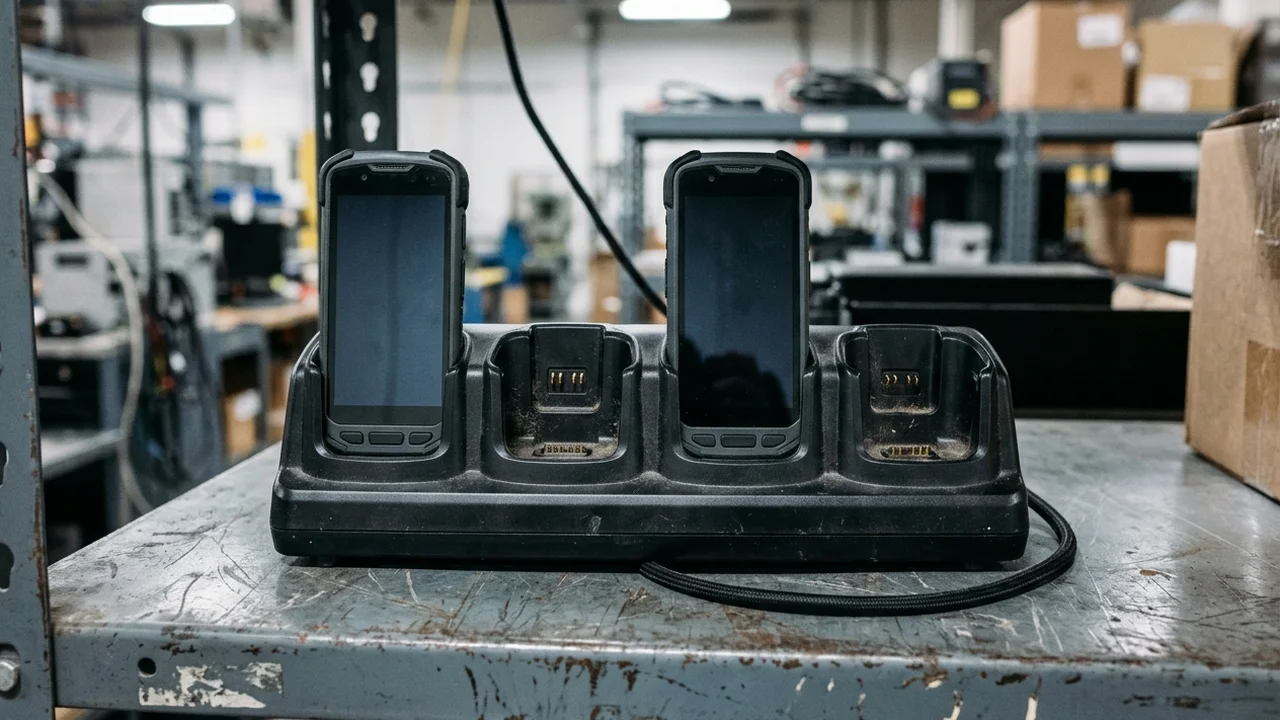
Copy this blank FOTA pilot release card before testing a sample
An informal check—updating one handset over office Wi-Fi and checking that the home screen loads—leaves production rollouts exposed to SKU mismatches and silent incremental package failures. Incremental OTA deltas verify the exact starting block hashes before patching; a unit carrying a different regional modem image, carrier configuration, or factory hotfix will reject an incremental payload built for another baseline. Record the fields below alongside your Device Build Spec Template so software, IT, and staging teams evaluate the exact same transition. Leave every project-specific measurement blank until the pilot unit proves it. Where a parameter has not yet been measured on the physical hardware revision, enter `Unknown / verify on the unit` rather than assuming that a vendor datasheet or a prior model's behavior carries over.
| Pilot record field | Value to record on the pilot unit | Verification source or decision owner |
|---|---|---|
| Hardware model, regional SKU, and board/radio revision | Hardware label, bootloader variables, and staging serial log | |
| Platform base and management mode (GMS Device Owner, Work Profile, or non-GMS AOSP) | EMM enrollment record and provisioning profile owner | |
| Source build baseline (androidBuildNumber, androidVersion, securityPatchLevel, bootloaderVersion, deviceKernelVersion) | AMAPI enterprises.devices SoftwareInfo or Settings > About phone before update | |
| Target build baseline and package type (Full OTA image vs incremental block delta) | OEM FOTA release note or signed OTA metadata payload properties | |
| Single active update control mechanism (AMAPI systemUpdate, OEM FOTA connector, or custom OTA client) | IT / EMM administrator confirming competing update policies are disabled | |
| Partition scheme and storage check (Non-A/B recovery, A/B seamless, or Virtual A/B with /data free-space margin) | OEM build documentation and pilot unit storage check under realistic app data load | |
| Power and network gate settings (Minimum battery %, charger state, Wi-Fi/cellular rule, and window start/end minutes) | EMM / FOTA deployment policy export and depot Wi-Fi bandwidth owner | |
| Pilot cohort composition (Lab unit, depot dock unit, and active shift unit with accessories attached) | Operations lead and site pilot coordinator | |
| Observed download duration, background verification time, and reboot/slot-switch time | Measured on the pilot site network; do not extrapolate from lab fiber | |
| Post-reboot workload check (Kiosk lockTask state, scanner/NFC/dock hardware, VPN/certs, and silent app permissions) | Software QA lead and frontline workflow owner | |
| Rollback and abort procedure (A/B slot fallback, freezePeriod / policy pause, or signed factory image re-flash) | OEM firmware engineer and depot recovery technician | |
| Ring progression criteria and named sign-off owners (Pilot cohort -> single depot -> full fleet) | Release manager, IT admin, and operations approver |
Verify post-reboot workload survival and rollback boundaries on the unit
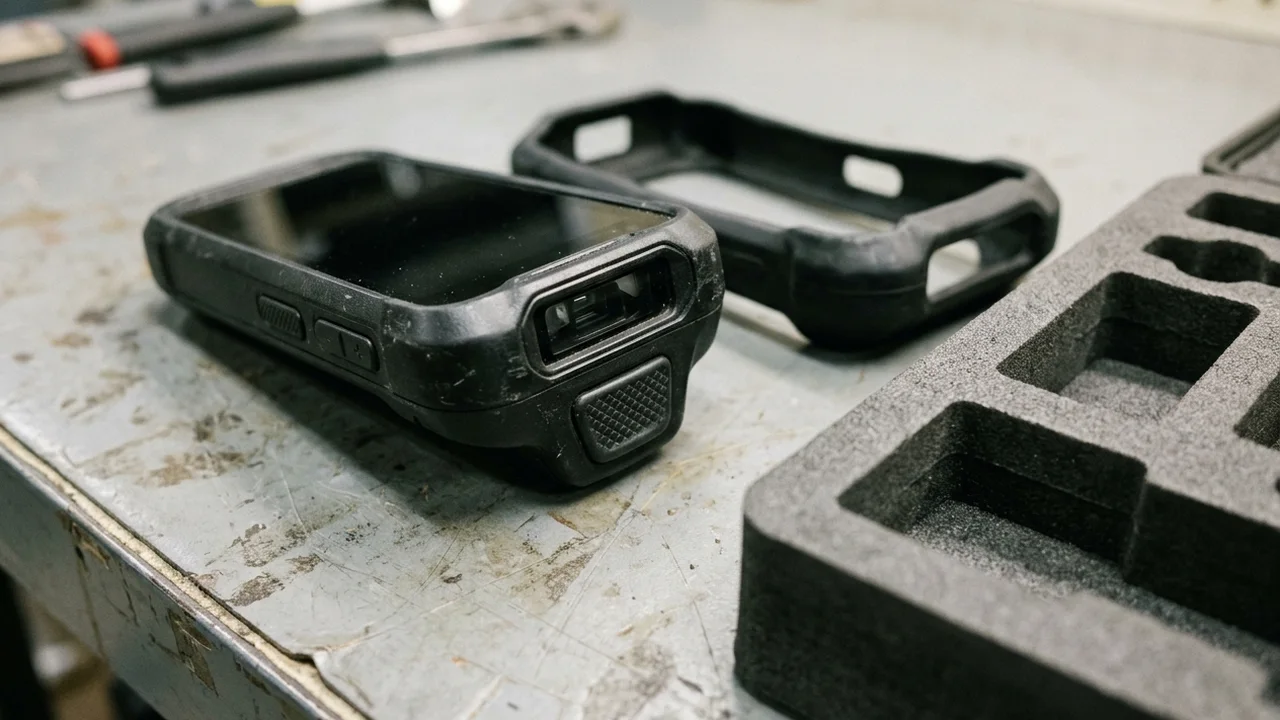
An operating system update is not complete when the Android build number changes in the management console. Google's Android Management API Device resource exposes `softwareInfo.systemUpdateInfo` (`updateStatus` and `updateReceivedTime`) alongside `appliedPolicyVersion` and `nonComplianceDetails`, allowing administrators to confirm that the handset booted the target build and re-evaluated its policy. However, console telemetry alone cannot prove that custom hardware peripherals or third-party line-of-business apps survived the OS transition. Run a physical post-reboot acceptance pass on every pilot unit and log any regressions in your Sample Acceptance Matrix and Known Limitations Library. Pay particular attention to rugged scanning engines, pogo-pin dock interfaces, and custom launcher or kiosk lock states, which frequently rely on vendor-specific system services or runtime permissions that an OS upgrade can reset. Equally important, verify what happens if you must halt or reverse the rollout. While A/B `update_engine` automatically reverts to the previous slot if the newly written slot fails to boot within its retry threshold, once a device boots successfully and marks the new slot active—especially when Android Verified Boot advances the rollback index to block older security patch levels—you cannot assume an over-the-air downgrade is possible. Test whether pausing the OEM FOTA campaign or applying a `POSTPONE` / `FreezePeriod` policy stops remaining units in time, and document when a physical USB re-flash at a deployment and provisioning bench is the only supported downgrade path.
| Check category | What to verify after the pilot reboot | Pass evidence to attach | Hold or abort trigger |
|---|---|---|---|
| OS & bootloader telemetry | Compare androidBuildNumber, androidVersion, securityPatchLevel, bootloaderVersion, and deviceKernelVersion against the target release note. | Device SoftwareInfo report or Settings screenshot paired with device serial number. | Build mismatch, unexpected kernel/radio version, or updateStatus stuck in downloading/installing after window expiry. |
| Kiosk, launcher, and permissions | Cold-boot straight into the dedicated launcher or lockTask mode; confirm runtime permissions, accessibility services, and battery-optimization exemptions. | Recorded cold-boot sequence and zero manual permission prompts during standard operator login. | User-visible permission dialog, escape to standard Android home/settings, or killed background service. |
| Peripherals and accessories | Test optical barcode scan trigger, hardware button remapping, NFC tap, Bluetooth printer pairing, and multi-bay dock pogo-pin charging/USB passthrough. | Completed scan/print/dock test rows in the sample acceptance record on the physical unit. | Scanner service fails to initialize after sleep/wake or dock charging/data drops out. |
| Network, certificates, and VPN | Verify 802.1X EAP-TLS Wi-Fi reconnection, private APN cellular attach, always-on VPN tunnel, and WebView TLS certificate pinning. | Network handoff test between depot Wi-Fi and cellular without manual re-authentication. | Dropped enterprise Wi-Fi certificate, broken APN profile, or WebView handshake error. |
| Rollback and campaign pause | Test pausing the FOTA assignment in the console and verify whether an already-updated unit can be downgraded or requires a factory cable re-flash. | Written recovery instruction naming the exact tool, signed image, and anti-rollback boundary. | No tested pause mechanism or unverified assumption that OTA downgrade works after slot commit. |
Where to take the pilot record next
When an over-the-air update fails on a pilot unit because of a vendor binary dependency, use the OEM's official support channel or your EMM vendor's connector logs to resolve the platform issue before expanding the deployment ring. If you are preparing a new hardware batch or locking a factory firmware baseline so newly delivered units match the pilot-verified OS version out of the box, align the batch staging specification with the completed pilot card. For a device-side firmware or batch staging inquiry, prepare the project variables from the card above: hardware model and regional SKU, GMS or AOSP build path, source and target firmware versions, chosen update control layer, required preload apps and kiosk/peripheral checks, pilot sample quantity, and intended production batch size. To send an inquiry with these inputs, Send a Firmware & Pilot Brief.
Method and sources
Updated 17 October 2026. This guide grounds its update control boundaries, policy parameters, and partition mechanics in primary documentation opened and verified on 17 October 2026: Google's Android Management API `enterprises.policies` (`SystemUpdate` and `FreezePeriod`) and `enterprises.devices` (`SoftwareInfo` and `SystemUpdateInfo`) REST references; the Android Open Source Project OTA Updates and Virtual A/B partition documentation; and Microsoft Intune's Firmware Over-the-Air (FOTA) management guides for Zebra LifeGuard OTA and Samsung Knox E-FOTA. The three-layer comparison table, blank 12-field pilot release card, and post-reboot verification gate are project-planning aids built from those documented technical boundaries and Vantora's existing firmware and sample-acceptance workflows. This guide does not claim universal OEM FOTA compatibility, does not invent fleet failure rates or download speeds, and does not certify any vendor's cloud update service. All model-specific update behaviors, storage margins, and downgrade rules must be verified on the physical project unit.