Android Scanners for Logistics: Barcode-to-App Acceptance Tests
A decoded barcode can still create the wrong shipment record. Accept an Android logistics scanner by tracing the label through app input, validation, offline handling and the final business record on the proposed device build.
Updated
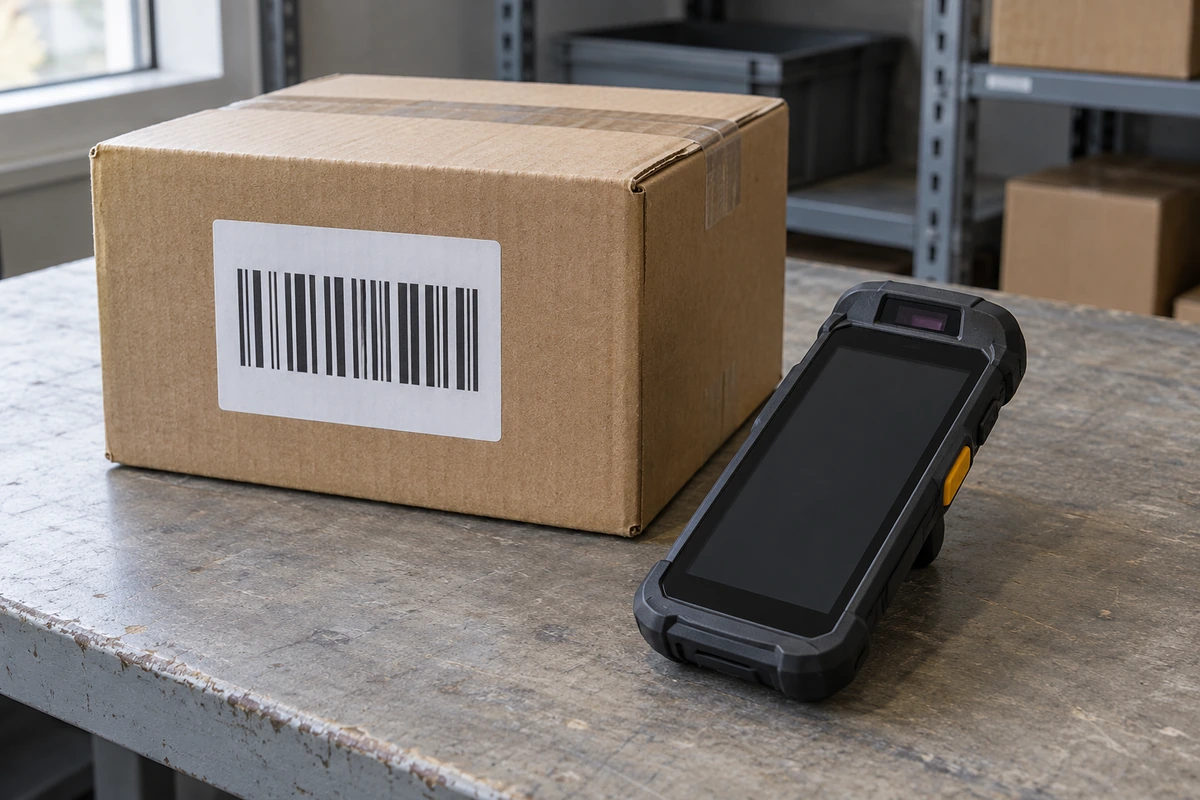
Quick inputs: freeze the label-to-record contract
For a logistics and transportation mobile scanner, the acceptance target is the correct business transaction, not a successful decode alone. Agree the label set, input route, destination field and submission rules before testing. Use the same device build and application version for each comparison, then retain the decoded value, app observation and resulting record together. This guide supplies a proposed test matrix; it does not report a completed device trial. Start with the handheld mobile computer family for the device scope, then define the inputs below with the application owner.
- Takeaway: Write the expected business result before touching the scanner configuration.
| Input or item | Value or source to record | Why it matters |
|---|---|---|
| Device baseline | Proposed SKU, scanner option, Android and firmware build | Makes a later retest comparable |
| Label set | Buyer samples, symbologies and expected decoded strings | Separates supported labels from assumptions |
| Input route | App contract and the selected scanner interface documentation | Identifies how data reaches the application |
| Field and suffix | App field type, focus rule and expected Enter or Tab behavior | Defines when a scan becomes a transaction |
| Connectivity | Agreed warehouse-to-dock interruption scenario | Defines queue and recovery checks |
| Evidence owner | App team, device team and receiving operations contacts | Gives each failed observation an accountable next step |
Which input route does the app actually consume?
Choose the route the application is designed to consume and document its configuration. A keyboard wedge delivers input in a typing-like path; an Intent or SDK integration gives the app a programmatic path defined by that implementation. Neither label describes a universal Android scanner API. The selected hardware, service version and app code determine the contract. The app and MDM integration scope helps identify these dependencies before a sample is approved. When a supplier exposes Intent delivery, obtain its actual action, category, payload fields, receiver requirements and any package or signature controls; do not copy identifiers from another device family.
- Common mistake: Leaving parallel output paths active and treating duplicate input as a label problem. First establish which route owns the scan event.
- For an existing browser or remote client, test its actual field behavior rather than assuming a native-app integration applies.
- Takeaway: Freeze one agreed input contract and record any deliberately combined routes.
| Route | Inspect before testing | Acceptance observation | Boundary |
|---|---|---|---|
| Keyboard wedge | Active field, text handling, prefix and suffix configuration | Exact value appears in the intended field; focus and submission behave as agreed | An app receiving text does not automatically identify the scanner event or symbology |
| Intent delivery | Documented action/category, extras, receiver lifecycle and delivery target | The app receives the expected payload and associates it with the intended task | Payload names and delivery options belong to the specific scanner implementation |
| Scanner SDK | Supported SDK/device version, initialization and callback contract | Callbacks, errors and lifecycle behavior match the application design | A working integration on one engine or build is not a compatibility list |
How should label conditions and leading zeros be tested?
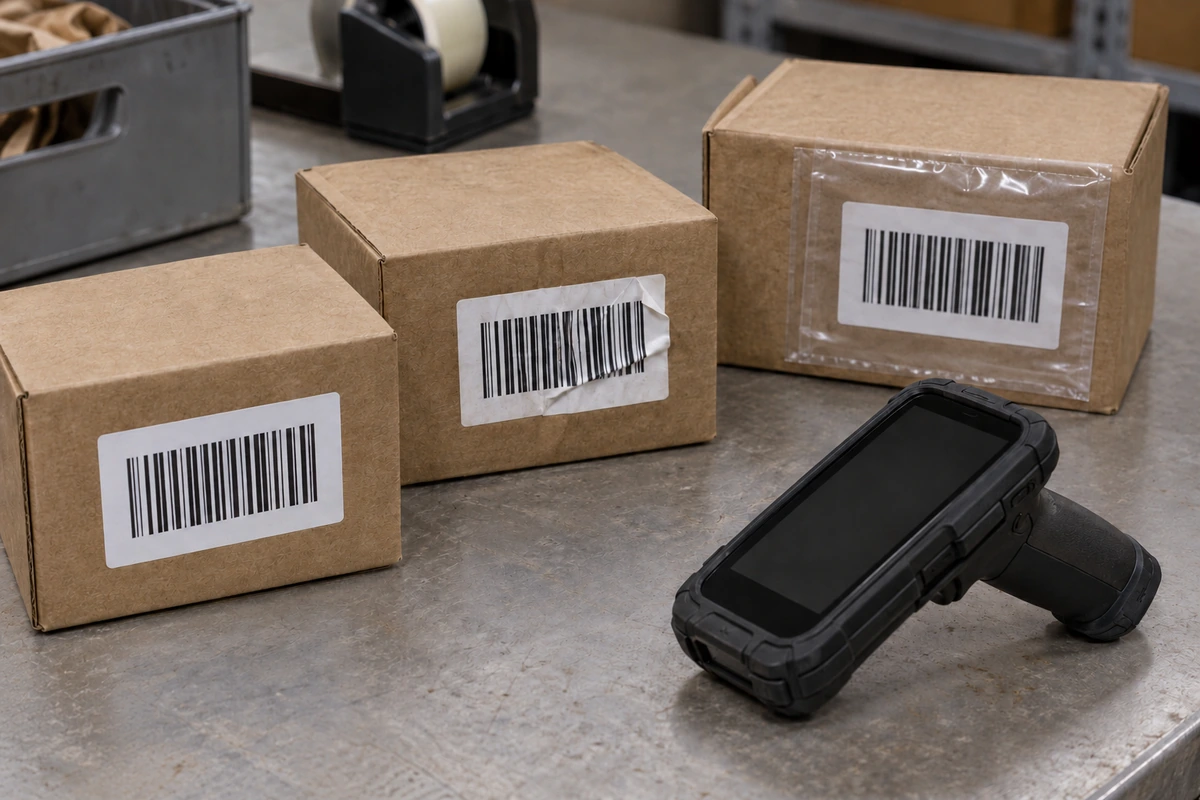
Use representative, non-sensitive labels and an expected-value sheet prepared by the business application owner. Include the label conditions operators encounter, such as a flat carton label, a creased surface or a clear protective sleeve. Record each condition separately so a read failure cannot disappear inside an overall impression of success. The warehouse scanning workflow provides the operational context; this check follows the value after capture. Treat shipment identifiers as identifiers: if the agreed contract includes leading zeros, confirm they survive the input field, validation and stored business record. Any intended normalization belongs in the documented app contract.
- Takeaway: Compare the expected identifier with the final stored identifier, not only the text on the handheld.
| Test condition | Expected result to agree | Evidence to retain |
|---|---|---|
| Identifier with leading zeros | Exact agreed identifier survives every application layer | Label reference, decoded string, field value and stored record |
| Letters, separators or mixed case | Only documented normalization changes the value | Input contract and before/after strings |
| Each required symbology | Correct decoded value and any metadata required by the app | Symbology, label condition and payload observation |
| Creased or sleeved label | Agreed retry or rejection behavior for that physical condition | Condition photograph and operator-visible outcome |
| Unreadable or unsupported sample | No misleading success transaction; operator receives a usable next step | Device indication, app message and absence or status of a transaction |
What happens to field focus, suffixes and repeated scans?
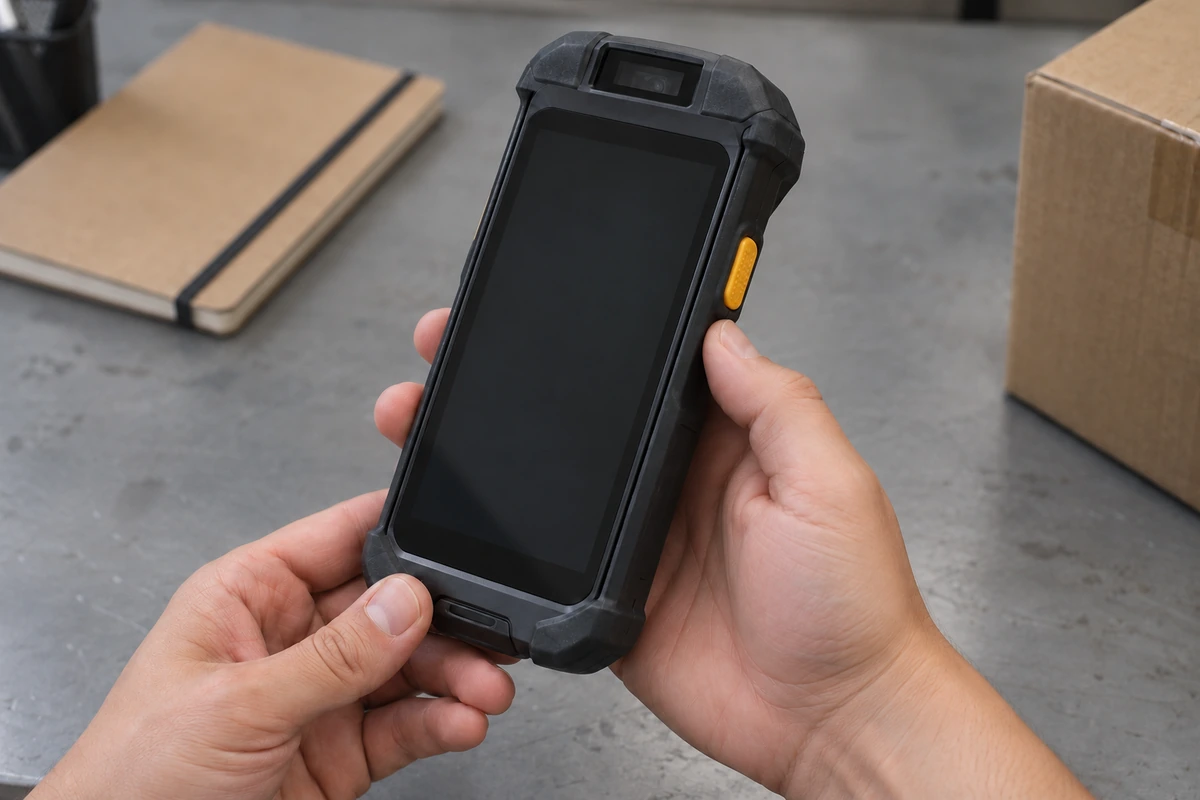
Test the operator sequence that determines where the next scan lands. A suffix can advance focus or submit a form, depending on the application; an apparently correct value can therefore be recorded against the wrong task. Run the agreed sequence after opening a new record, after a validation error and after returning from another screen. Use the inventory counting workflow when repeated items are intentional, and the proof-of-delivery workflow when a scan is only one part of a delivery record. Define whether a repeat is a correction, a quantity increment, a rejection or an allowed second event.
- 1Open a new task and confirm the intended field is ready before scanning.
- 2Observe the entered value and the resulting focus or submit action; distinguish the suffix from the identifier itself.
- 3Repeat the same label deliberately, then scan a different label. Compare the result with the agreed duplicate rule.
- 4Try the same sequence after an application error and after leaving and returning to the task screen.
- 5If duplicated text appears, compare the event payload with the field contents before changing label settings.
- 6Takeaway: An accepted scan sequence includes the next field and the next transaction, not just the current value.
Can queued work survive a network interruption?
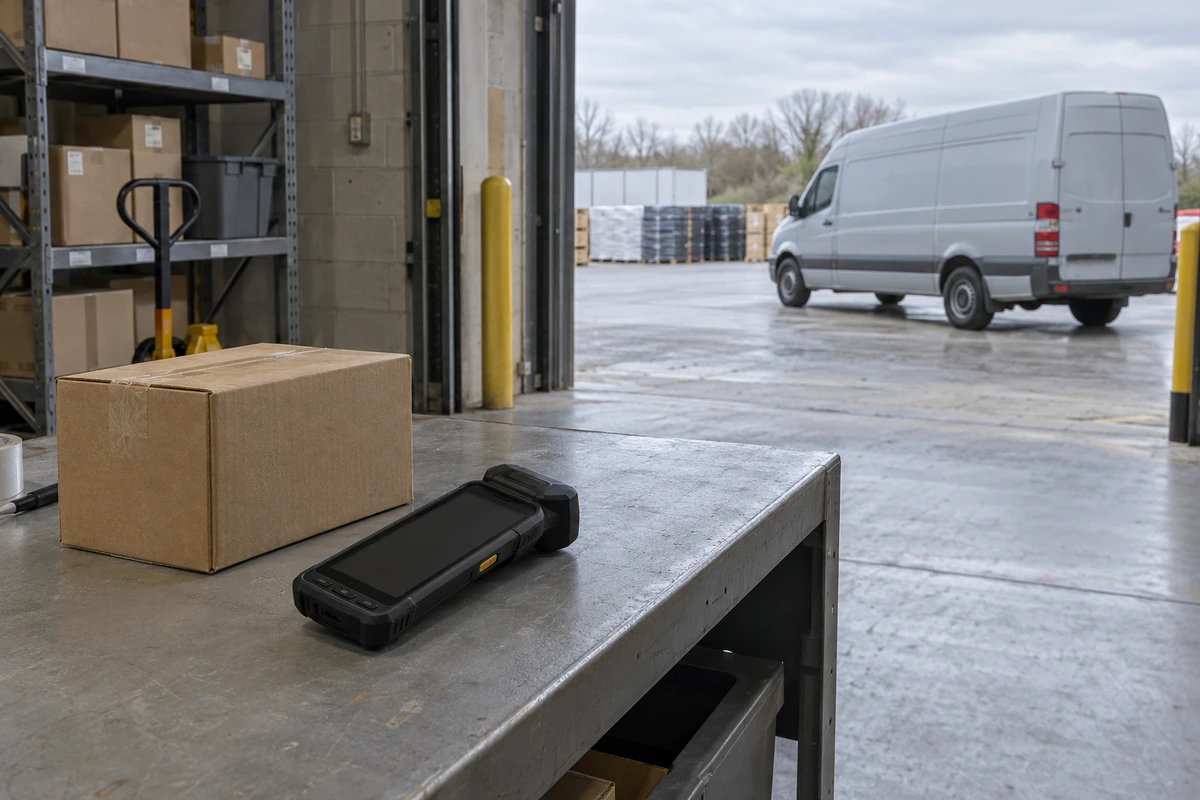
Approve offline operation only if the application supports it and its recovery behavior has been observed on the proposed build. Separate capture, local persistence, upload and backend acceptance in the record. A device can decode while disconnected without preserving a recoverable business transaction. Choose a safe test environment and non-production records for interruption checks. The transportation and logistics device scope helps define the movement between warehouse, loading bay and route; the sample acceptance matrix gives the wider place to record the result.
- Common mistake: Calling a disappearing queue item a successful delivery. Check the backend outcome as well.
- Takeaway: Keep a recoverable task identity from capture through backend acceptance.
| Scenario | Question to settle | Evidence to compare |
|---|---|---|
| Connection lost before submission | Is the task queued, rejected or explicitly held? | Operator message, local task status and backend absence |
| App reopened while disconnected | Does the app retain the unfinished task as designed? | Task identity and value before and after reopening |
| Connection restored | How does the app distinguish uploaded work from accepted work? | Queue transition and backend transaction result |
| Retry after an uncertain response | How does the agreed duplicate rule prevent or handle a repeated transaction? | Request identity, retry observation and final business records |
| Backend rejection | Can the operator find and resolve the failed item? | Error message, recoverable task and assigned follow-up |
How do you localize failures without guessing?
Record the last layer that behaved as expected and the first layer that did not. Capture independent payloads or raw data only where the selected interface exposes them. For a keyboard-only path, retain the expected string, actual field value and configuration; if a pre-field observation is needed, ask the authorized integration team for a supported diagnostic output and record any configuration difference. Mark an unavailable layer as an evidence gap rather than claiming a root cause. This makes the next investigation specific: physical capture, scanner output, app field handling or transaction processing. The known limitations library is useful for recording a confirmed boundary instead of turning a failed sample into an unsupported claim about every Android device. Keep logs and screenshots limited to the non-sensitive test identifiers needed to reproduce the issue.
- Takeaway: Assign an issue using the observed boundary, then retest the repaired path.
| Observed symptom | Next comparison | Owner to involve |
|---|---|---|
| No expected value reaches the app | Physical label condition, decoded output and selected delivery route | Device integration and app teams |
| Value changes between capture and field | Raw/string payload, field type and app normalization rule | Application owner |
| Value appears twice | Enabled output routes and number of app event handlers | Application and scanner integration owners |
| Correct field value produces wrong record | Task context, submit action and backend validation response | Application/backend owner |
| Work disappears during reconnection | Local persistence, queue transition and server acknowledgement | Application/backend owner |
When this does not apply
This is a barcode-to-app acceptance guide for an authorized logistics test environment. It does not choose an RFID architecture, prove scan distance or throughput, establish environmental ratings, or promise a universal SDK. A camera-based barcode workflow can use the same end-to-end record approach, but its capture and delivery dependencies need their own brief. If offline work is unsupported, agree an explicit stop-and-recover workflow instead of adding an assumed queue.
- Use synthetic labels or approved redacted samples; do not put customer addresses or live shipment credentials in public evidence.
- Physical durability, battery endurance and accessory fit are separate acceptance tasks on the proposed configuration.
- Takeaway: Keep the acceptance conclusion limited to the tested build, app and task conditions.
What belongs in the sample acceptance record?
Retain a record another team can repeat without reconstructing hidden settings. Attach the label references, expected values, input contract, device and app baseline, interruption scenario, observed outcomes and unresolved exceptions. Name who approves each expected result and who owns its retest. Use the device build specification guide to identify the accepted baseline and the batch-staging guide for the later handoff into repeatable preparation. Passing one sample sequence is an approval of its recorded scope, not evidence that every future app or firmware version will behave identically.
- Takeaway: Carry the input contract and open exceptions into the sample review alongside the hardware choice.
| Field | Expected or baseline input | Observed value / evidence reference |
|---|---|---|
| Case and operation reference | App-supported operation ID, or a test-record reference; link retries to the original operation | |
| Label and expected value | Label reference, task and exact agreed identifier | |
| Device and app baseline | SKU, scan option, firmware, app version and input configuration | |
| Scanner/interface observation | Decoded string or independent payload only where exposed; otherwise mark unavailable | |
| Destination field | Agreed field and preserved or explicitly normalized value | |
| Focus and suffix action | Agreed next field, validation or submit behavior | |
| Local task / queue | Agreed persistence and pending, rejected or uploaded state | |
| Backend record / result | Business record reference and accepted, rejected or unresolved outcome | |
| Evidence references | Non-sensitive screenshots or logs linked to this operation | |
| Disposition and owner | Pass, fail or unresolved; responsible person and retest reference |
Method and sources
The tables are a proposed acceptance plan compiled from public scanner interface documentation and the workflow scope of this site’s existing handheld and sample-acceptance pages. The interface documentation supports implementation-specific Intent delivery concepts; it does not establish one shared payload contract across Android devices. Label preservation, duplicate decisions and offline recovery are application requirements to define and observe, not results measured for this guide. Technical scope reviewed on 9 October 2026; the selected device interface and app contract remain the controlling inputs for a project.
- Takeaway: Use documentation to define the test, and use the actual sample observations to decide acceptance.
FAQ
Why can a barcode lose its leading zero?
Often because a field type or normalization rule in the app path treats the identifier as a number or reformats it. Compare the value at capture, app input and storage to find where it changes. Define the intended format with the business app owner, then test it end to end; do not remove zeros merely because a different scanner returns another representation.
Why does one scan appear twice in a text field?
Often because more than one output path or app handler processes the same scan event. Compare the delivered payload with the field contents to localize the duplication. Deliberately repeated business scans are a separate case with a separate acceptance rule.
Can Enter or Tab move the scan to the wrong field?
Yes. The configured suffix and app focus behavior act together, so a correct value can land in the next field. Observe the full input sequence, including the next field after submission or an error. Agree which action is intended before changing scanner formatting.
Can another app receive the scanner’s Intent?
It can, depending on how the selected implementation delivers the Intent. Review its receiver, action/category and any package or signature controls with the app team. Test the intended recipient on the exact build rather than treating a vendor-specific example as an Android-wide contract.
Are raw barcode bytes the same as the displayed string?
Not necessarily. Use the selected interface’s definition of its raw and text outputs, then agree which representation the business application expects. Preserve the relevant observation in the test record rather than converting undocumented data.
Can a hardware trigger drive an existing app workflow?
Only where the selected scanner route and application event handling support the intended sequence. Test trigger, field focus, value handling and resulting business action together. A successful physical decode by itself does not establish app integration.
Tell us your workflow and rules.
We turn requirements into deployment-ready devices.